KeyShortcut — Shortcuts Directory
A free directory of every keyboard shortcut — kept up to date by an AI pipeline.
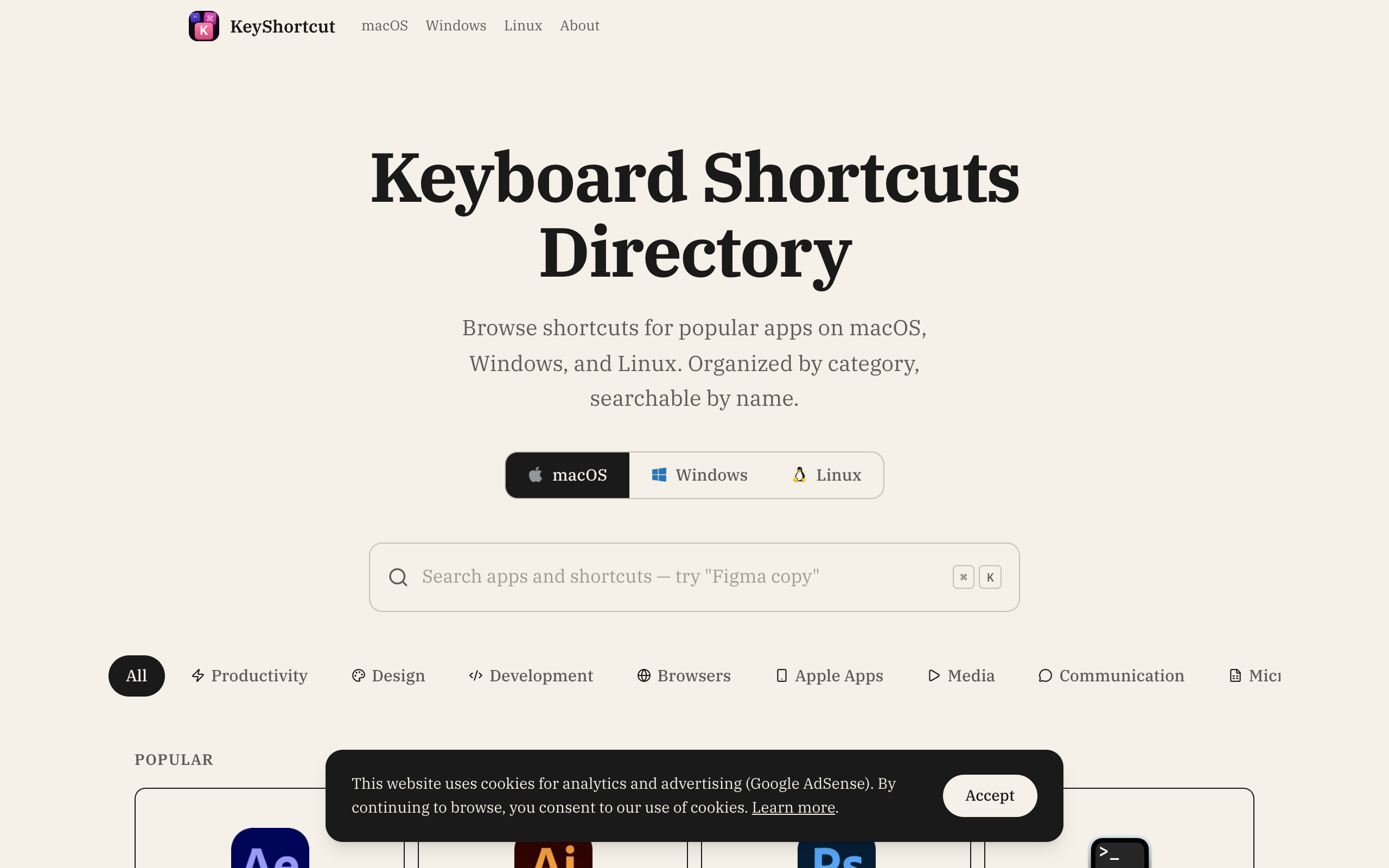
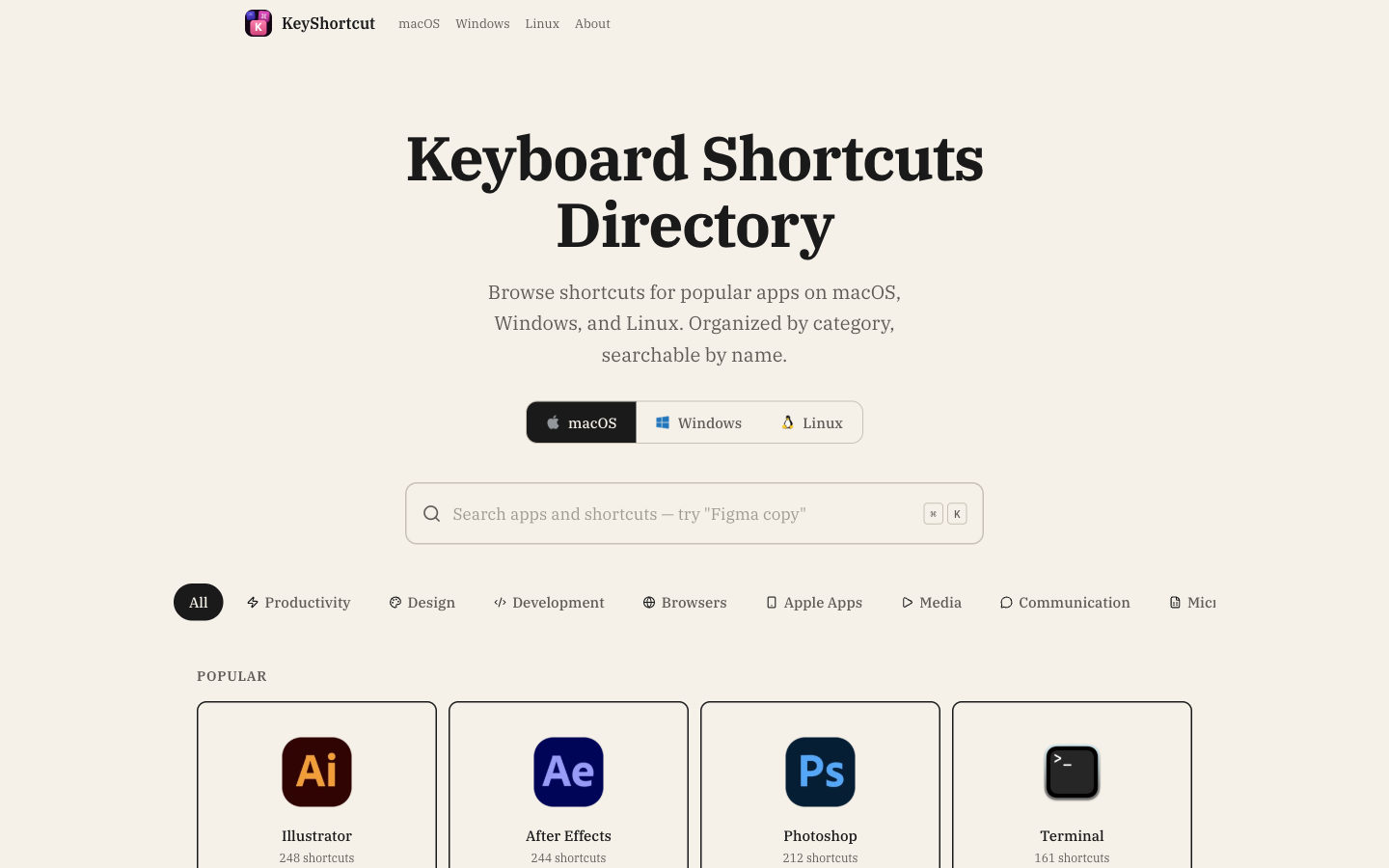
KeyShortcut (keyshortcut.com) is a free directory of keyboard shortcuts for Mac, Windows and Linux apps. I designed it, built it and run it on my own. The pages are pre-rendered and hosted on Cloudflare Pages, the data lives in Supabase, and a Gemini-based pipeline keeps it up to date.
A free, searchable directory of keyboard shortcuts for every popular app, on every system — 8,217 shortcuts across 119 apps as of October 2026, in eleven languages, on about 175 fast pages. You can search the way you actually think ("paste in chrome"), print clean cheat sheets, and trust the content: an AI pipeline reads the official docs and proposes updates before anything goes stale.
- Role
- Solo — design, code & content
- Timeline
- Ongoing
- Stack
- React 19 · React Router v7 · Vite 7 · Tailwind v4 · Supabase · Gemini API · jspdf · Cloudflare Pages
The question
Why does a shortcut directory need to exist at all?
Where shortcuts actually live.
Every serious app has a hundred shortcuts — and documents them its own way. Figma hides them in a pop-up, Chrome puts them on a help page, Apple scatters them across PDFs. There's no one place to look, no way to search across apps, and no way to print a clean reference. Most people memorize a third and give up on the rest.
The answer.
KeyShortcut is one open directory with one consistent format — one search box, one set of key symbols, one page per app — covering more than a hundred apps on Mac, Windows, and Linux. Free, easy to find on Google, printable, and kept current by a pipeline that runs itself.
Scale
About 175 pages, all built in one go.
What one build produces.
- ~175 ready-made pages — Every page is built ahead of time as a real, finished page — fast for visitors and easy for Google to read.
- 8,217 shortcuts, 119 apps — Across three systems as of October 2026, all stored in one consistent format and translated into eleven languages.
- Pages create themselves — When a new app is added to the database, its page appears in the next build — no extra work.
- No servers to babysit — The whole site ships as simple files on a worldwide network. Publishing is one command.
Data
One database feeds the whole site.
Everything lives in one place.
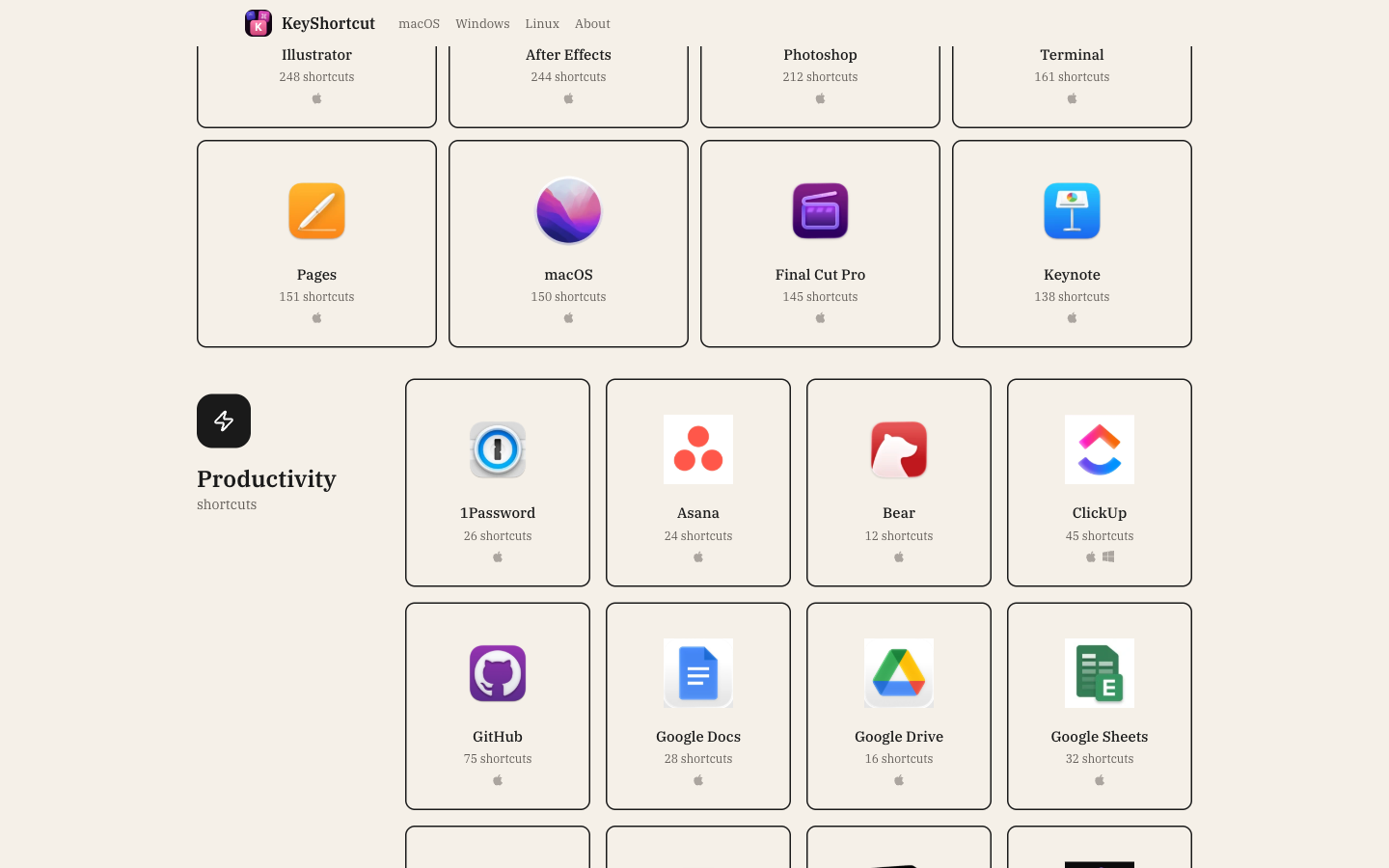
Every shortcut, every translation, every label, and every app icon lives in one cloud database (Supabase) — 8,217 shortcuts and 119 apps as of October 2026. The numbers grow every week. That's the point.
How the site stays fast.
- Everything loads together — The home page fetches all three systems at once — switching between Mac, Windows, and Linux is instant because the data is already there.
- No question asked twice — During a build, identical database requests are answered once and reused — so building stays quick even as the data grows.
- Requests run side by side — Big data loads run in parallel instead of one after another — the difference between a six-second build and a twelve-second one.
- Ready before you click — Hovering over a link quietly loads its data in the background — by the time you click, it's already there.
- Icons ship with the site — All app icons are downloaded at build time and served from the same fast network as the pages themselves.
Staying current
From official docs to a proposed update — automatically.
The problem with doing it by hand.
Apps change. One software update can add, rename, or remove twenty shortcuts — and a hand-maintained directory goes stale within months. The only way to keep a hundred apps current is to stop maintaining them by hand.
How the update loop runs itself.
- A list of official sources — Every app has its official documentation page on file, with a schedule — weekly, monthly, or on demand.
- AI reads the docs — On schedule, the pipeline opens each docs page and has Google's Gemini AI pull out the shortcuts — keys, combos, and what they do.
- Clean before compare — Everything is converted into one standard format first, so the comparison is always fair — apples to apples.
- A human approves every change — The pipeline never edits the live site by itself. It proposes a change, a human reviews it, and only then does it go live.
Search
Type it the way you think it.
One search, everywhere.
One search index covers every app and every shortcut on every system. The same search powers the home page, the results panel, and the per-app pages — so it always behaves the same way.
Plain words work.
"paste in chrome" finds the paste shortcut in Chrome. "figma copy", "undo linear", "fullscreen vscode" — all of them just work. And the answer always shows the right symbols for your system: ⌘ on a Mac, Ctrl everywhere else.
Craft
Small, deliberate details.
What the site is made of.
- A warm paper look — One warm beige palette with dark ink text, like good stationery. No dark mode — the type and contrast do the work.
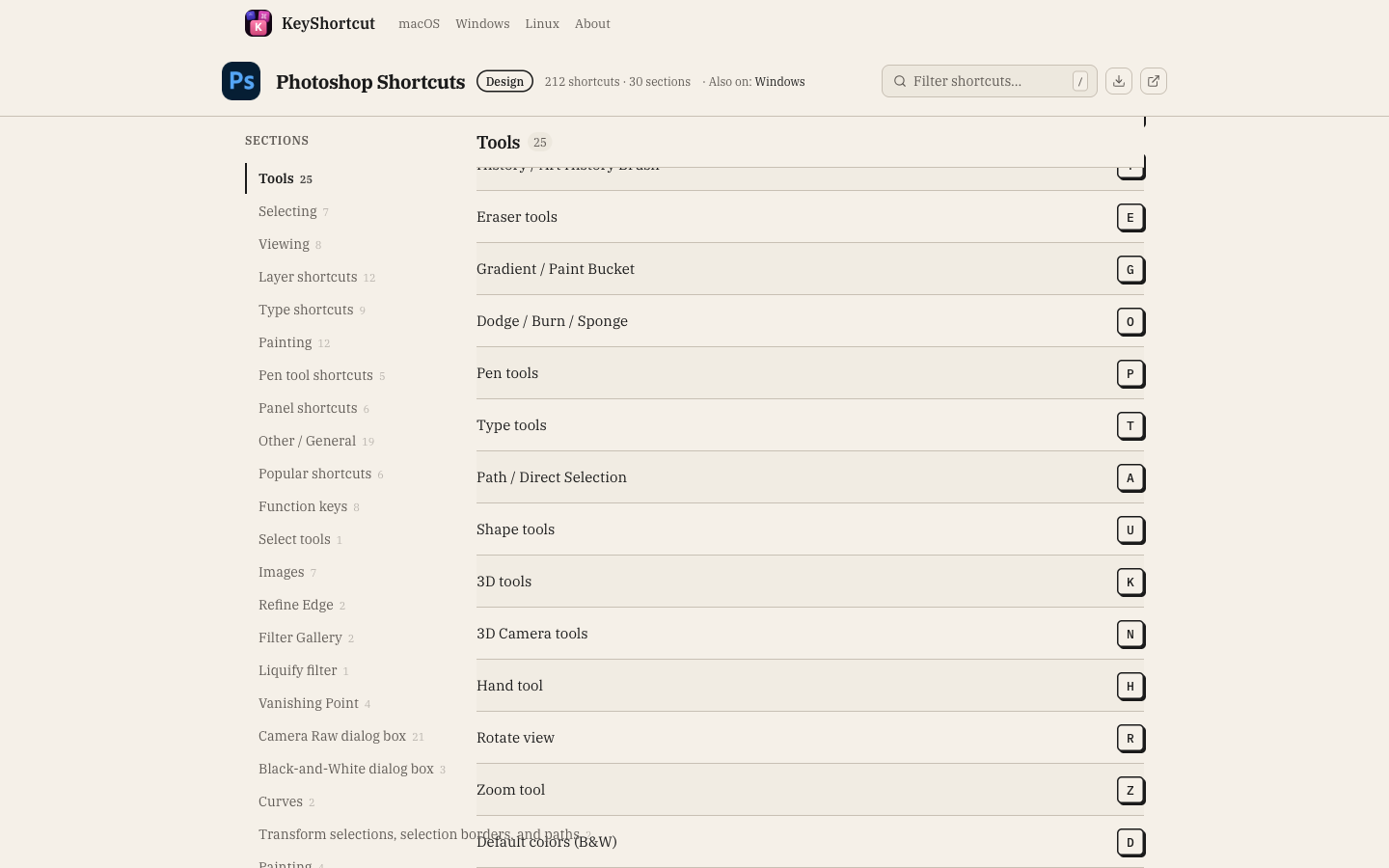
- Real keycaps, drawn with code — Every key on the page is drawn with plain web styling — not an image. Even the animated keyboard on the home page.
- Printable cheat sheets — Any app's shortcuts can be turned into a clean, print-ready PDF — right in the browser, no waiting on a server.
- Privacy by default — Analytics load only after the visitor agrees — and the site keeps a strict allowlist of what's even permitted to load.
Two products, one site
The Mac app's home page lives here too.
No second website to maintain.
KeyShortcut has a companion — a paid Mac app that floats a shortcuts panel over whatever you're working on. Instead of building and maintaining a whole second website for it, its product page lives inside this same site, at its own address. Same build, same publishing, zero extra infrastructure.
All the words live in the database.
The product page has no copy written into the code. Every headline, feature card, price, and legal page is a row in the database. Change the row, republish, done — no developer needed for a wording change.
Launch-ready before launch.
One setting controls whether the App Store download button shows. While the app was still in review, the page lived in production with the button hidden — and turning it on later was a flip of a switch, not a rebuild.
Next project: 416Skin — Medical Aesthetics