EntryCall — TV Apps
EntryCall on the living-room TV — one app for Apple TV, one built by hand for Samsung.
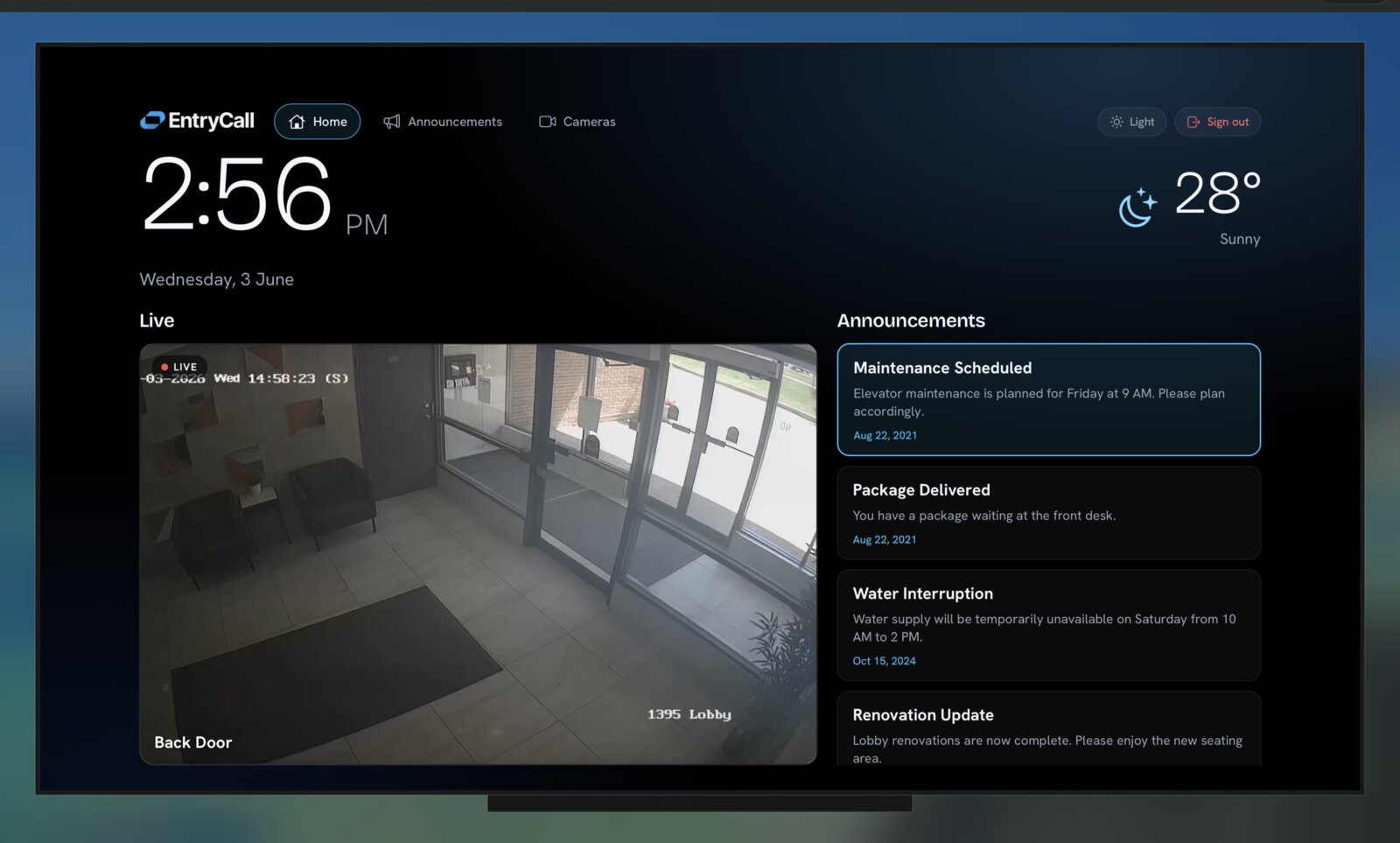
These are EntryCall's TV apps: the lobby screen on Apple TV and on Samsung Smart TVs. I built both on my own in 2026, plus a building-infoboard app for lobby screens.
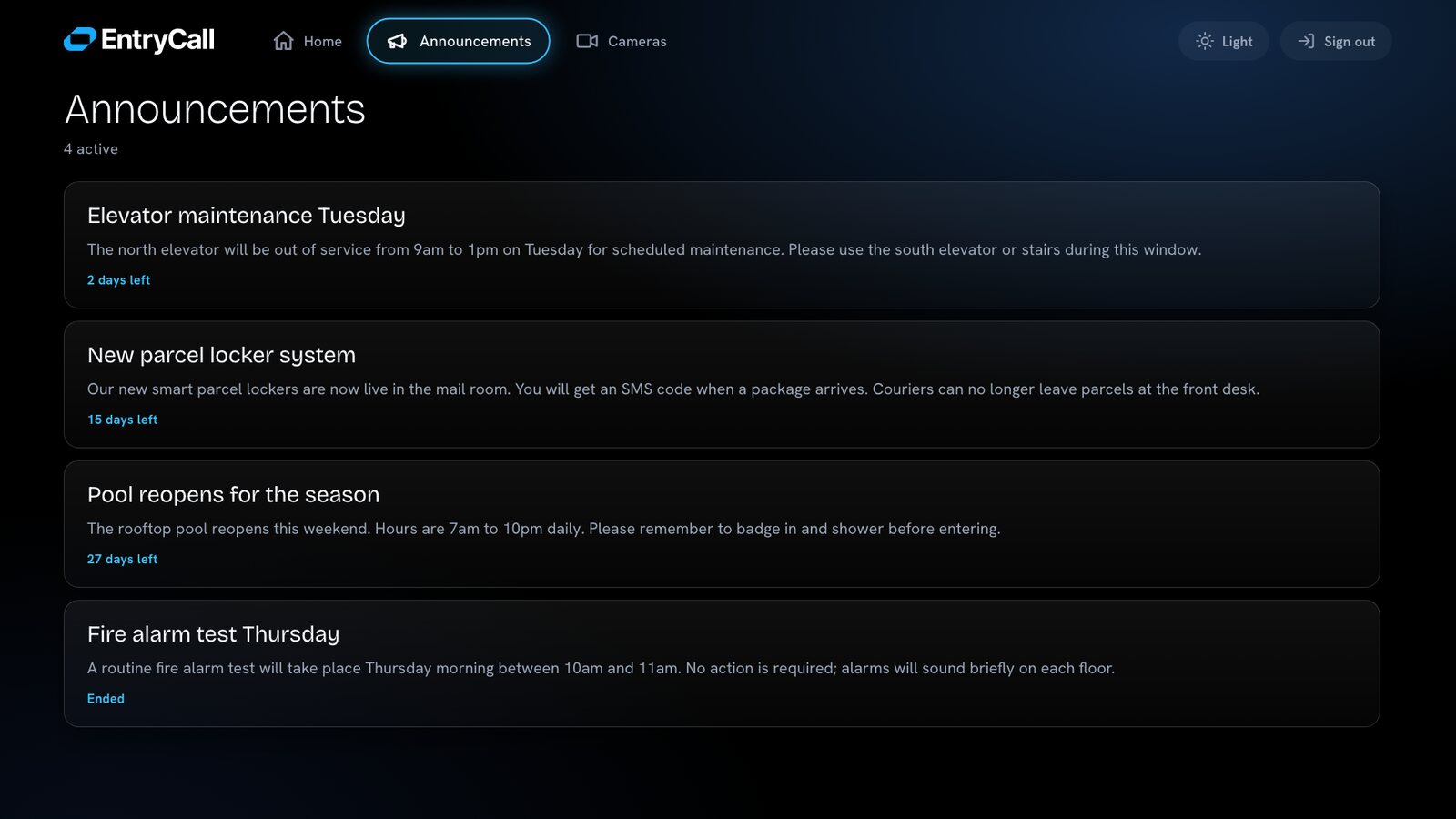
EntryCall's Lobby Watch on the big screen. Residents can watch the live entrance camera, see the time and weather, and read the building's news from across the room. It ships on two very different TVs: Apple TV — and Samsung, where it was rebuilt by hand so it runs even on a 2017 model.
- Role
- Solo developer
- Timeline
- 2026
- Stack
- react-native-tvos (Apple TV) · Tizen Web / .wgt (Samsung) · Vanilla JS / ES2015 · HLS / hls.js · Custom focus engine · Samsung TV Seller Office
The brief
The same platform, now on the living-room TV.
What it is.
EntryCall already lives on residents' phones and on the door hardware. This brings it to the TV — a big, calm screen with the live entrance camera, a clock and weather, and the building's announcements. It was first built for Apple TV, then rebuilt for Samsung TVs.
Why build it by hand.
Samsung TVs run their own system, and the safest way to reach the most TVs — including the old ones already mounted in building lobbies — is a small web app written in plain HTML, JavaScript, and CSS. No frameworks, nothing fancy: it has to run on the oldest TV in the room.
Two TVs
One dashboard, two engines.
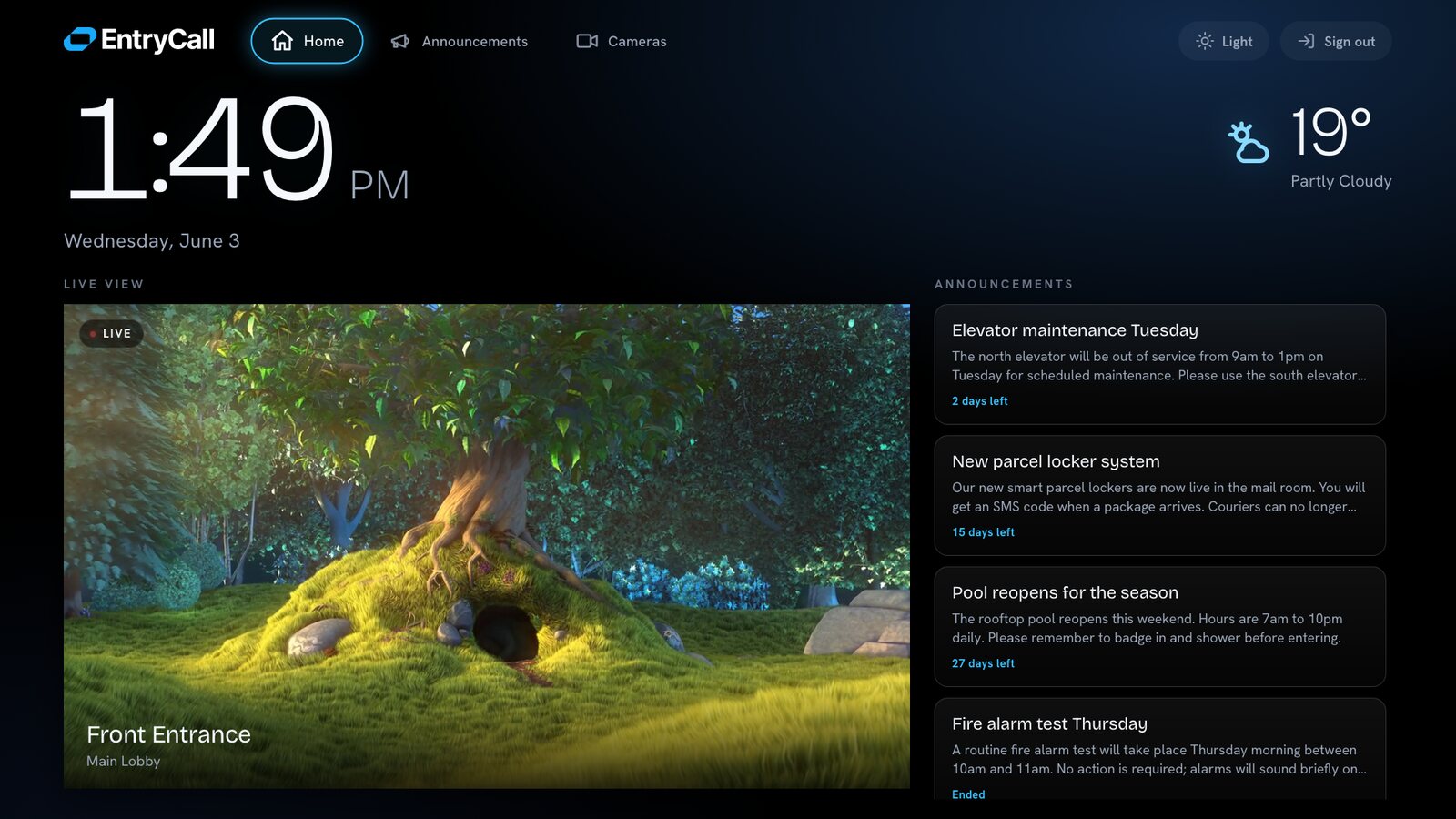
The same screen on two very different platforms.
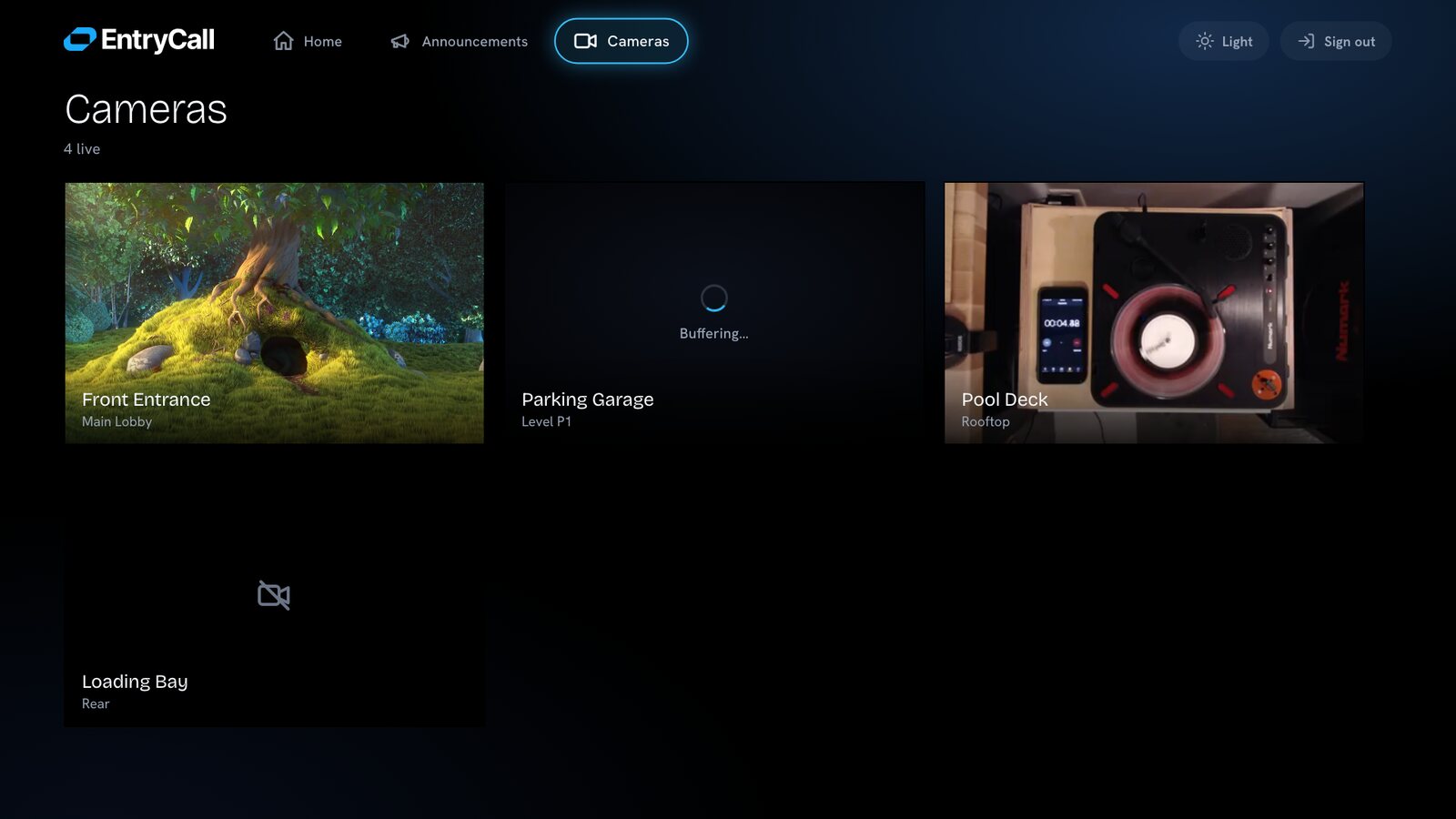
- Apple TV — The original app, controlled with the Apple TV remote.
- Samsung — built by hand — Samsung TVs can't run the same code, so the app was rewritten from scratch in plain web code to reach as many sets as possible. Everything below is about that version.
How it's built
No framework, no build step — on purpose.
Designed backwards from an old browser.
- Plain files, in order — The app is a list of simple script files loaded one after another. Easy to read, easy to fix, nothing to compile.
- Old-browser-safe code — Only language features a 2017 TV understands. Modern shortcuts are kept out of the shipped code.
- Colors baked in — Old TVs don't support modern CSS color variables — so a small packaging step turns every variable into a plain value before shipping.
- Safe by construction — The app never turns server text into raw page code — a common security hole, kept closed by design.
The remote
Three kinds of input, one path through the app.
A focus system, built from scratch.
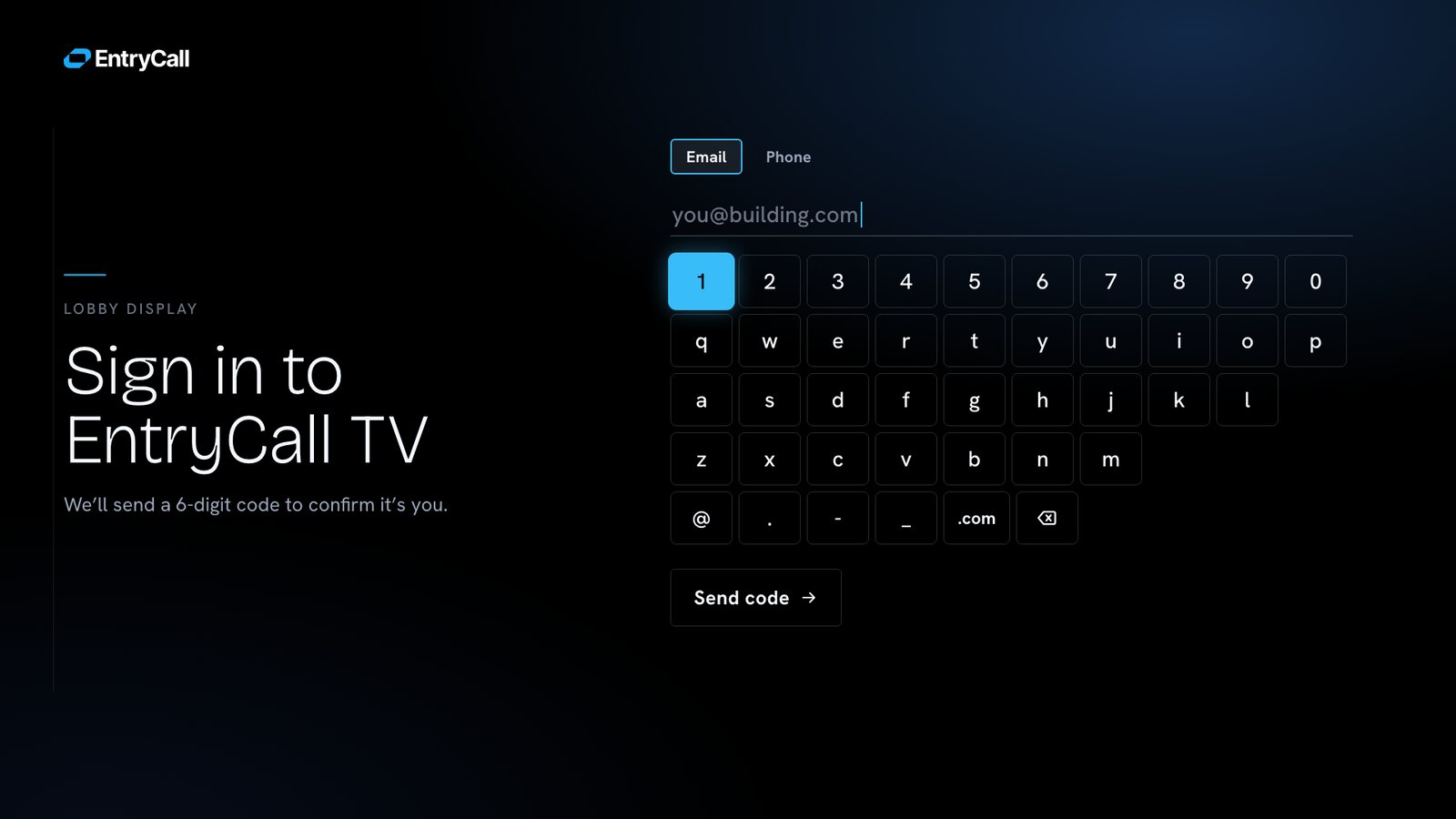
A TV app has no touch screen — you move a highlight around with the remote's arrow keys. The web platform gives you none of that for free, so the app ships its own system: it knows which items can be selected, where the highlight starts, and what happens when you press OK.
Three ways to drive it, one code path.
- The standard remote — Arrows, OK, and Back — classic TV navigation.
- The 2017 pointer remote — Samsung remotes from that era move a cursor on screen and only send clicks. The app treats that as a first-class case, not an afterthought.
- A normal keyboard — So the whole app can be tested in a desktop browser, without a TV in the room.
Live video
A picture that survives a moody TV.
Built for a video chip that lies.
Old TVs sometimes freeze a live video stream without reporting any error at all. So the player doesn't trust the TV — it watches the picture itself and acts when something looks wrong.
Keeping the picture alive.
- A watchdog timer — If the video stops moving, the app notices on its own and reconnects.
- Patient retries — Reconnects come with growing pauses and a soft loading spinner — the feed never hard-cuts to black.
- Warm players — Each camera keeps one live player that moves between screens — so switching screens never re-buffers the video.
Data & sign-in
Real data or a clean demo, behind one switch.
The live / demo switch.
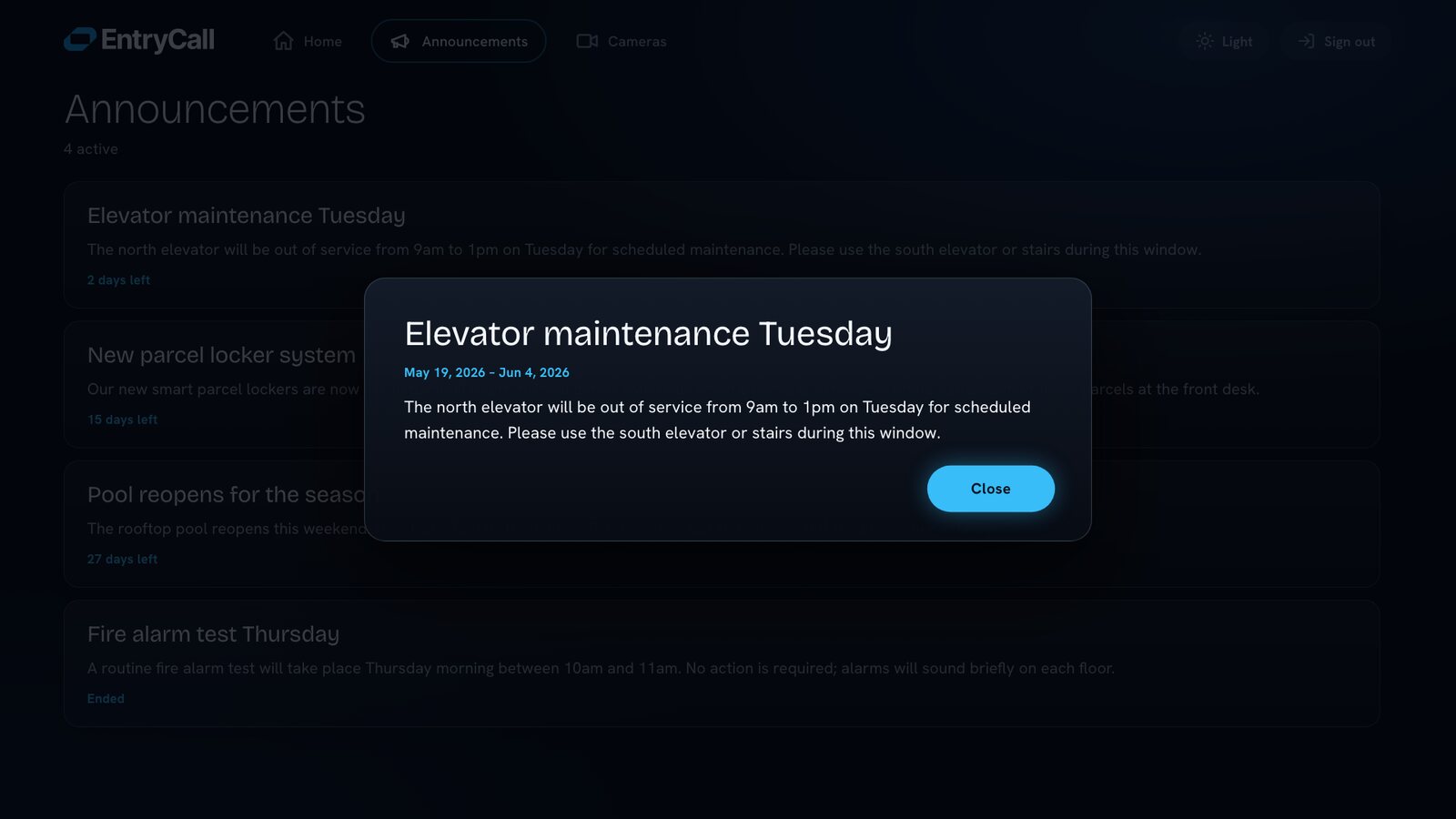
One small layer decides whether the app talks to the real backend or shows sample data. Real sessions renew themselves quietly. The demo mode renders the entire interface with sample content — which is exactly how the screenshots on this page were made.
Next project: EntryCall — Smart Entryphone Platform