EntryCall — Resident Mobile App
The video intercom residents carry in their pocket.
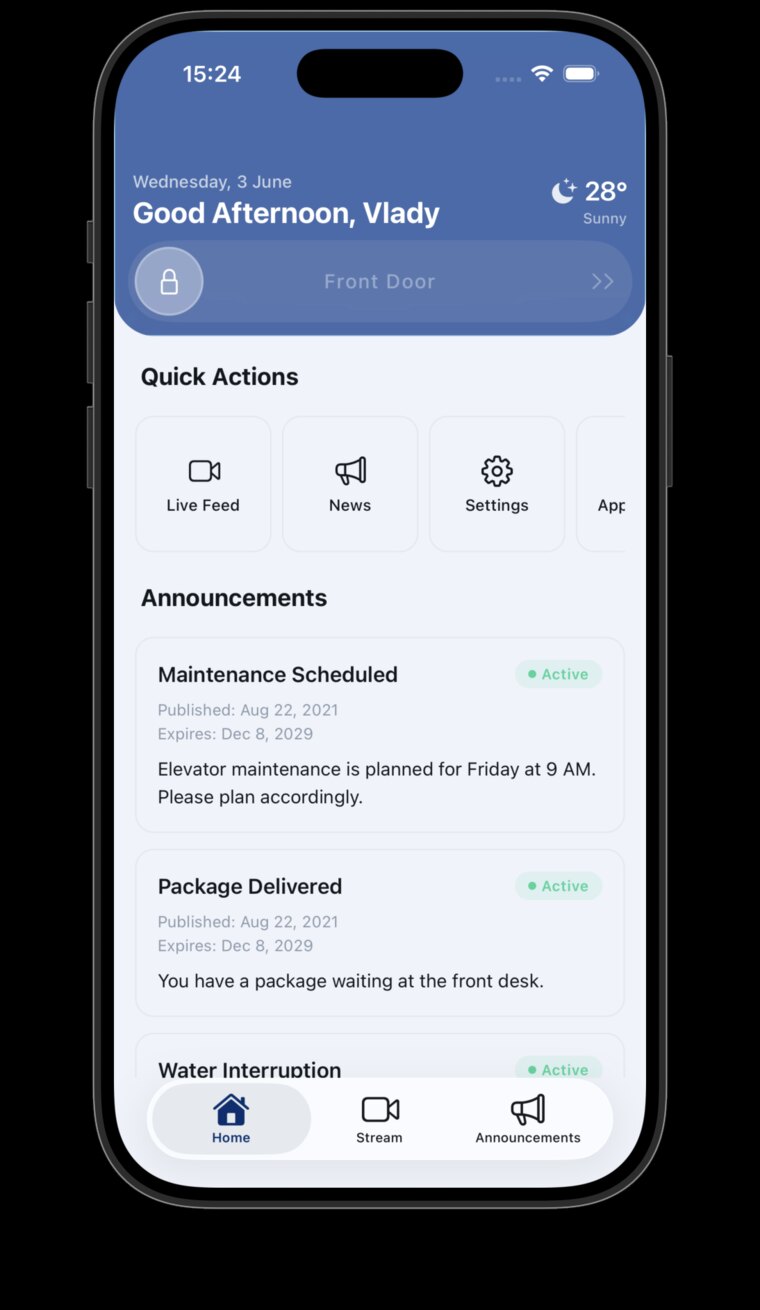
This is the iPhone and Android app EntryCall residents use to answer their building's front door. I rebuilt it from Flutter in React Native and Expo between 2024 and 2026, and it is live in both app stores. Video calls run over WebRTC and ring on a locked phone.
This is EntryCall in your pocket. Residents use the app to answer video calls from the front door, let visitors in, hand out digital keys, watch the lobby camera, and read building news. One codebase ships to both app stores — and the phone rings even when the app is closed.
- Role
- Full-Stack Developer
- Timeline
- 2024 — 2026
- Stack
- Expo SDK 54 · React Native 0.81 · TypeScript · LiveKit + CallKeep / VoIP push · TanStack Query v5 · NativeWind / Tailwind · Pusher · EAS Build / Update
The brief
One codebase, two app stores.
What the app is.
The resident app is how people answer their front door from anywhere. You see the visitor on video, talk to them, and open the door — plus digital keys for guests, a live lobby camera, and building news. It ships to iPhone and Android at the same time, and a door call must never be missed.
The hard part came first.
The hardest piece — making the phone ring even when the app is fully closed — needs deep access to the phone's calling system. That part was built first and packed into its own kit. Then the whole app moved to Expo, a toolkit that makes building and updating much faster, with the calling kit plugged in underneath.
Security first
Keys that never touch the disk.
Your session lives in memory only.
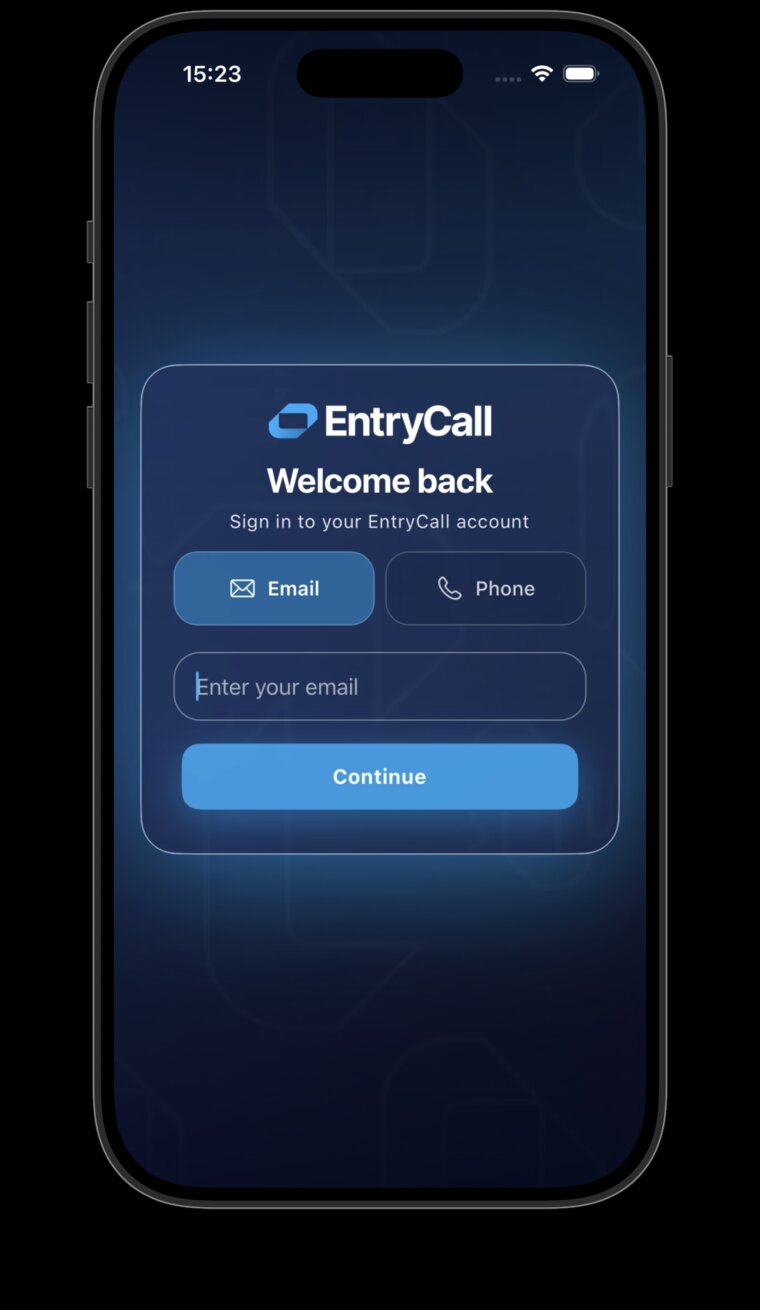
Following the latest mobile security standards, the key that proves who you are is kept only in the phone's working memory. Close the app, and it's gone. The one long-lived key is locked inside the phone's hardware safe — the same protected place your banking app uses — where no other app can read it.
How sign-in stays safe.
- A hardware-protected key — iPhone and Android each have a built-in safe for secrets. The app uses both through one door.
- Quiet renewal — When a session expires, the app renews it in the background and repeats whatever you were doing. You never notice.
- Instant lock-out — If renewal fails, the app signs out everywhere and clears all stored data at once.
- Carefully separated parts — Typing in a sign-in form can't interrupt a live video call — the pieces are kept apart on purpose.
Live data
The app updates itself — there is no refresh button.
One smart cache.
Screens never talk to the server directly. They read from one shared memory of the latest data — buildings, news, cameras, weather — and that memory knows how fresh each kind of data needs to be. The weather can be fifteen minutes old; a door event cannot.
What makes it feel alive.
- Push updates — When the building posts news or a camera changes, the server pings the app and exactly the right screen refreshes.
- Awake and asleep — Returning to the app refreshes the data. Losing signal pauses requests and replays them when you're back online.
- The right order, always — Data that depends on your building waits until your building is known — so you never see someone else's lobby.
- A clean sign-out — Logging out wipes every cached screen. No ghost data from the last session.
Video
Door calls that beat the doorbell.
All the calling tech in one kit.
The whole video pipeline lives in one in-house kit. It sits above every screen, so an incoming call can take over no matter what you were doing. And the door call rings using the phone's own call screen — it looks and feels like a normal phone call.
Waking a sleeping phone.
A special high-priority push wakes the phone even if the app was closed — the phone starts ringing before the app has fully started. Only after you answer does the live video and audio connect.
In the hand
What residents actually open the app for.
The everyday features.
- Video door calls — Answer the intercom, see the visitor, and let them in — without walking to a box on the wall.
- Digital keys — Give temporary access to family, guests, or a cleaner — and take it back when it's done.
- Lobby camera — Check the lobby and entrances live, from anywhere.
- Building news — Notices from management arrive in the app the moment they're posted — no paper taped to the elevator.
- Local weather — A small, quiet, useful extra — refreshed every fifteen minutes.
Design system
One styling language, two platforms.
Consistent by default.
Almost every screen is styled with one shared system, so light mode and dark mode come out right everywhere — with no extra work per screen.
Icons that fit.
The app uses Apple's icon set on iPhone and the matching set on Android, mapped through one component — so each platform feels like itself.
Next project: EntryCall — TV Apps